Rigs shaders - Zurich
Zurich was our DLC map for Rigs that was released shortly after launch. By this point virtually all the tiling textures we need for the materials in this level had already been made for other maps. The main challenge we were facing for this map was that we knew we wanted all large materials to have support for all sorts of graphical design elements. We knew that graphical designs would be key to making the map look interesting as the fundamental layout of the level was fairly simple and symmetrical.
I decided we couldn't pull all this off with decal placement alone as it would be too time consuming and wouldn't allow our visual design guys to iterate in game properly. Instead virtually all large surfaces use macro graphic design textures which are shared where possible.

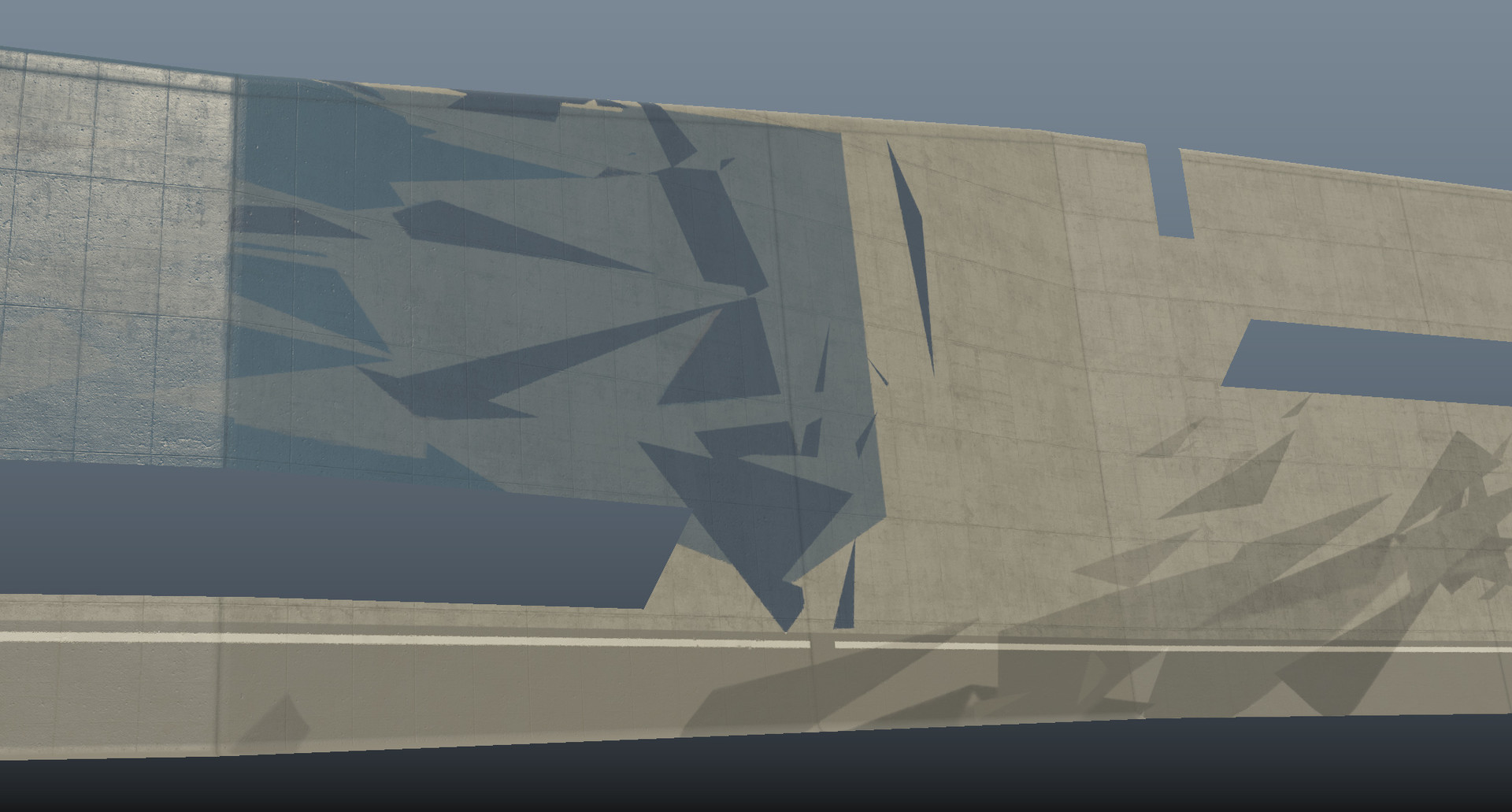
Here is an example of a polished concrete shader that was used throughout the level but with different macro textures. The base concrete is tiled but the pattern is custom for this middle section of the map.

This is a scoreboard shader that I made more efficiently for this map. The shader is designed to hotswap 5 different sub textures from the placeholder ones above depending on game mode and team makeup.
Here is an example of the arena wall shader with a graphic design macro texture. This was mirrored across all four corners. The rig images and zurich text were decals as these couldn't be mirrored.

An example of the UV wibble trick I was doing to disguise the low resolution macro textures when viewed up close. I used the normal and roughness of the tiling detail texture to slightly nudge the UVs of the macro texture.

Here is one of the arena walls mapped in game but with decals disabled.

Here decals are enabled. Note I had to write out the albedo of the wall into a custom channel so that the negative zurich decal could read it and replace the paint with concrete.

Here you can see an overview of the level where the majority of play surfaces and screens are also using bespoke graphics.

An example of how I disguised the low resolution macro texture when viewed on the rubber matting.

And here is how a straight line macro was disrupted on some bare concrete.

The screen shaders at the end of the map would hot swap textures depending on which team was playing. They could also be overridden with goal text and fireworks when someone scored.

When viewed up close the screen used a dot matrix pattern and some scanline effects. This had to be done very delicately to not introduce moire and strobing comfort issues.